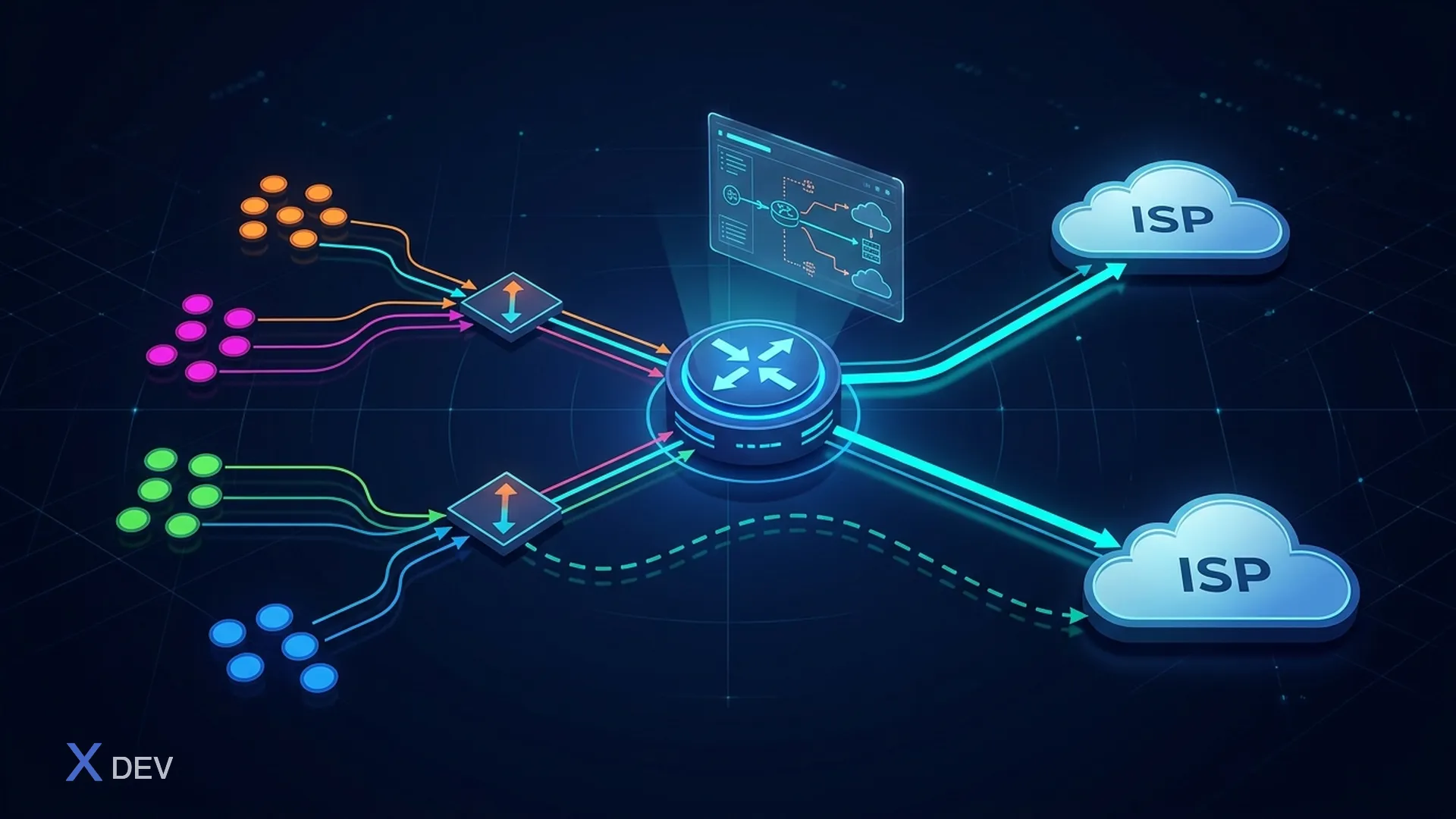
Introduction to Static Routing and Policy-Based Routing on VyOS
This lesson explains how to configure Static Routing and Policy-Based Routing on VyOS 1.4.x/1.5 rolling release. These are essential techniques for controlling packet paths in a network.
1. Static Routing
Static routes let you define fixed paths for destination networks.
set protocols static route 10.10.20.0/24 next-hop 192.168.10.2
set protocols static route 0.0.0.0/0 next-hop 192.168.10.254
set protocols static route 192.168.30.0/24 blackhole
- Failover routes with interface health checks:
set protocols static route 0.0.0.0/0 next-hop 192.168.10.254
set protocols static route 0.0.0.0/0 next-hop 192.168.20.254 distance 10
set protocols static route 0.0.0.0/0 next-hop 192.168.20.254 check-gateway ping
2. Policy-Based Routing (PBR)
PBR lets you route traffic based on source, destination, protocol, or port.
set policy route PBR-OUT rule 10 source address 192.168.10.0/24
set policy route PBR-OUT rule 10 set table 100
set interfaces ethernet eth0 policy route PBR-OUT
set protocols static table 100 route 0.0.0.0/0 next-hop 203.0.113.1
- Multi-uplink routing by source:
set policy route MULTI-WAN rule 20 source address 192.168.20.0/24
set policy route MULTI-WAN rule 20 set table 200
set protocols static table 200 route 0.0.0.0/0 next-hop 198.51.100.1
3. Basic VRF (Virtual Routing and Forwarding)
set vrf name VRF1 table 10
set interfaces ethernet eth2 vrf VRF1
set protocols static table 10 route 0.0.0.0/0 next-hop 10.10.10.2
4. Practical example and network diagram
+-------------------+      +-------------------+
|   VyOS Router     |------|   ISP1           |
| 192.168.10.1/24   |      | 203.0.113.1      |
| 192.168.20.1/24   |      +------------------+
+-------------------+      +------------------+
           |                        |
      LAN, WAN1, WAN2           Internet
5. Hands-on lab: Static Routing & PBR
- Log in to VyOS and identify interfaces and uplinks.
- Configure static routes, PBR, and VRF as shown above.
- Commit and save the configuration:
commit
save
- Verify routing:
show ip route
show policy route
show vrf
6. Summary
You now know how to configure static routing, policy-based routing, and VRF on VyOS, and apply them to multi-uplink designs, network segmentation, and packet path control.