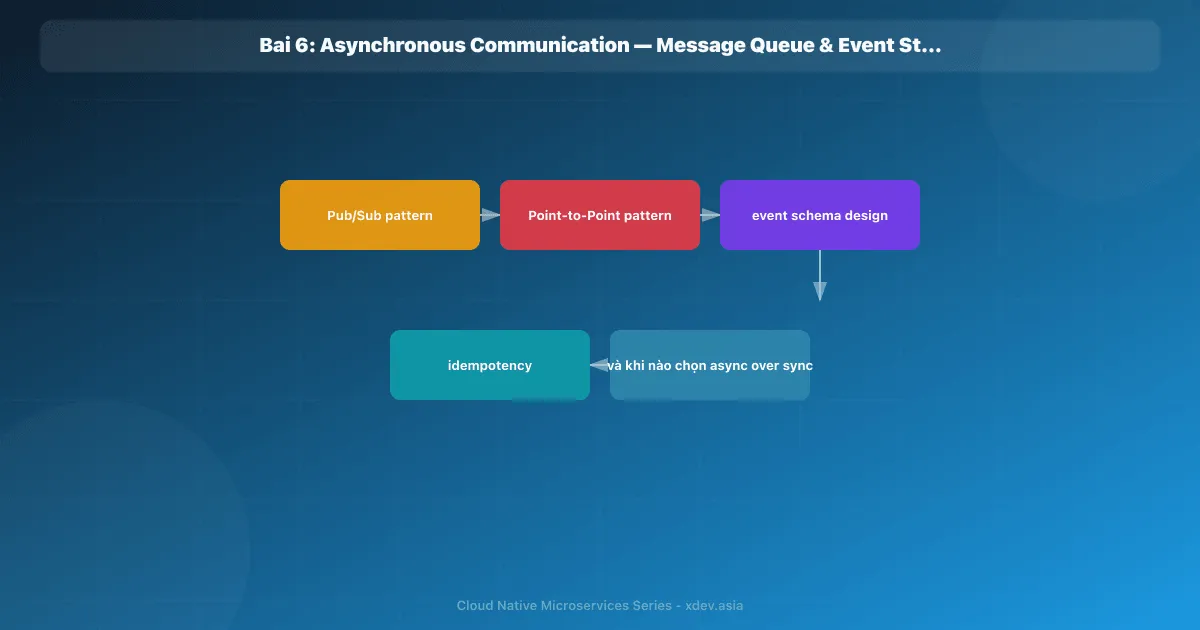
はじめに
非同期通信により、サービスは応答を待たずにメッセージを送信できます。これはイベント駆動型アーキテクチャのバックボーンであり、疎結合で回復力のあるシステムを構築するための鍵です。
1. 非同期通信が必要なのはなぜですか?
1.1 同期の問題
Sync chain: Order → Payment → Inventory → Notification
                                              │
Vấn đề:                                      │
├── Temporal coupling: Tất cả phải online cùng lúc
├── Latency: Total = sum(latency mỗi service)
├── Cascading failure: 1 service down → cả chain fail
└── Tight coupling: Order phải biết Payment, Inventory, ...
1.2 非同期ソリューション
Async: Order ──publish event──▶ Message Broker
                                    │
                    ┌───────────────┼───────────────┐
                    ▼               ▼               ▼
                Payment        Inventory       Notification
                (subscribe)    (subscribe)     (subscribe)

Ưu điểm:
├── Temporal decoupling: Services không cần online cùng lúc
├── Performance: Order trả response ngay, không chờ downstream
├── Loose coupling: Order không biết ai subscribe
└── Resilience: Message broker buffer khi consumer down
2. メッセージ キュー — ポイントツーポイント
2.1 概念
1 つのプロデューサーがメッセージを送信し、1 つのコンシューマーのみ が受信して処理します。
Producer ──msg──▶ Queue ──msg──▶ Consumer
                  (FIFO)

Nếu có nhiều consumers → Load balancing (round-robin)
Producer ──▶ Queue ──▶ Consumer 1
                   ──▶ Consumer 2
                   ──▶ Consumer 3
Mỗi message chỉ được xử lý bởi MỘT consumer
2.2 RabbitMQ
┌──────────┐    ┌──────────────────────────────────┐    ┌───────────┐
│ Producer │───▶│           RabbitMQ                │───▶│ Consumer  │
└──────────┘    │                                    │    └───────────┘
                │  ┌──────────┐    ┌──────────────┐ │
                │  │ Exchange │───▶│    Queue      │ │
                │  │ (routing)│    │ (buffer msgs) │ │
                │  └──────────┘    └──────────────┘ │
                └──────────────────────────────────┘

Exchange Types:
├── Direct   → Route by exact routing_key
├── Topic    → Route by pattern (order.* , *.created)
├── Fanout   → Broadcast to all bound queues
└── Headers  → Route by message headers
2.3 メッセージ キューの使用例
- タスク キュー: バックグラウンド ジョブ (電子メールの送信、レポートの生成)
- 作業分散: 多くの作業者に作業を分割します。
- レート制限: ダウンストリームが遅い場合のリクエストをバッファーします。
- 遅延処理: デッドレター交換 + TTL
3. イベント ストリーミング — Pub/Sub
3.1 概念
プロデューサー イベントをパブリッシュ、複数のコンシューマー グループがサブスクライブし、独立して処理:
                              Consumer Group A
                         ┌────▶ Payment Service
                         │
Producer ──▶ Topic ──────┤    Consumer Group B
(Order       (order.     ├────▶ Inventory Service
 Service)     created)   │
                         │    Consumer Group C
                         └────▶ Notification Service

Mỗi consumer group nhận TẤT CẢ messages
Trong một group, messages được phân chia cho các instances
3.2 Apache Kafka アーキテクチャ
┌────────────────────────────────────────────────────────┐
│                    Kafka Cluster                        │
│                                                         │
│  Topic: order.created                                   │
│  ┌────────────┐ ┌────────────┐ ┌────────────┐          │
│  │ Partition 0│ │ Partition 1│ │ Partition 2│          │
│  │ msg1, msg4 │ │ msg2, msg5 │ │ msg3, msg6 │          │
│  │ msg7, ...  │ │ msg8, ...  │ │ msg9, ...  │          │
│  └────────────┘ └────────────┘ └────────────┘          │
│                                                         │
│  Broker 1         Broker 2         Broker 3             │
│  (Leader P0)     (Leader P1)     (Leader P2)           │
│  (Replica P1)    (Replica P2)    (Replica P0)          │
│                                                         │
│  ZooKeeper / KRaft (metadata management)               │
└────────────────────────────────────────────────────────┘
重要な機能:
- ログベース: メッセージは追加のみであり、消費後に削除されません。
- 保持: 時間 (デフォルトは 7 日間) またはサイズに基づいてメッセージを保持します。
- オフセット: 各コンシューマ グループは独自のオフセットを追跡します
- 再生: コンシューマは任意のオフセットからメッセージを再生できます。
- 順序: パーティション内の順序を保証します (パーティション間の順序は保証しません)
3.3 トピックのデザイン
Naming convention: <domain>.<entity>.<event>

order.order.created
order.order.confirmed
order.order.cancelled
payment.payment.completed
payment.payment.failed
inventory.stock.reserved
inventory.stock.released

Partition key:
├── order_id → Đảm bảo events cùng order đi vào cùng partition → đúng thứ tự
├── customer_id → Events cùng customer ordered
└── random → Distribute đều, không đảm bảo ordering
4. メッセージ キューとイベント ストリーミング
| 基準 | メッセージキュー (RabbitMQ) | イベントストリーミング (Kafka) |
|---|---|---|
| モデル | ポイントツーポイント (または Pub/Sub) | Pub/Sub (ログベース) |
| メッセージの有効期間 | 消費後に削除されました | 保持 (構成可能) |
| リプレイ | いいえ | はい |
| 注文 | キューレベルの FIFO | パーティションレベル |
| スループット | ~50,000 メッセージ/秒 | ~100万以上のメッセージ/秒 |
| 消費者グループ | 限定 | ネイティブサポート |
| 使用例 | タスクキュー、作業分散 | イベントストリーミング、監査ログ、分析 |
| 複雑さ | 低い | 中~高 |
| プロトコル | AMQP | カスタム (Kafka プロトコル) |
いつどれを選択すればよいでしょうか?
RabbitMQ:
├── Background jobs (send email, generate PDF)
├── Request-reply pattern
├── Complex routing rules
├── Low throughput (< 50K msg/s)
└── Team muốn đơn giản, ít learning curve

Kafka:
├── Event sourcing / Event-driven architecture
├── Stream processing (real-time analytics)
├── Audit log (cần replay)
├── High throughput (> 100K msg/s)
├── Multiple consumer groups cho cùng event
└── Data pipeline (connect to data warehouse)
5. イベントスキーマの設計
5.1 CloudEvents 仕様
イベント形式を標準化する:
{
  "specversion": "1.0",
  "id": "evt-001-abc-def",
  "source": "/services/order-service",
  "type": "com.myorg.order.created",
  "datacontenttype": "application/json",
  "time": "2026-03-31T10:00:00Z",
  "data": {
    "order_id": "O-001",
    "customer_id": "C-042",
    "items": [
      {"product_id": "P-100", "quantity": 2, "price": 250000}
    ],
    "total": 500000,
    "currency": "VND"
  }
}
5.2 スキーマの進化
スキーマが変更されると、下位互換性が必要になります。
Schema Registry (Confluent / Apicurio):
├── v1: {order_id, customer_id, total}
├── v2: {order_id, customer_id, total, currency}  ← thêm optional field
└── v3: {order_id, customer_id, total, currency, discount}

Quy tắc:
✅ Thêm optional field → backward compatible
✅ Thêm default value cho field mới
❌ Xoá required field → breaking change
❌ Đổi type của field → breaking change
6. 冪等 — 重複したメッセージを処理します
6.1 問題
メッセージ ブローカーは 少なくとも 1 回の配信を保証します → 消費者はメッセージを 何度も受信できます:
Producer ──msg──▶ Broker ──msg──▶ Consumer
                              │      │
                              │  (process OK, nhưng ACK bị mất)
                              │      │
                              └──msg──▶ Consumer (nhận lại!)
6.2 解決策: べき等なコンシューマ
-- Lưu event_id đã xử lý
CREATE TABLE processed_events (
    event_id VARCHAR(255) PRIMARY KEY,
    processed_at TIMESTAMP DEFAULT NOW()
);

-- Trong consumer:
BEGIN;
  -- Kiểm tra đã xử lý chưa
  INSERT INTO processed_events (event_id) VALUES ('evt-001')
    ON CONFLICT (event_id) DO NOTHING;

  -- Nếu insert thành công (chưa xử lý) → xử lý business logic
  IF FOUND THEN
    UPDATE inventory SET stock = stock - 1 WHERE product_id = 'P-100';
  END IF;
COMMIT;
7. まとめ
| パターン | いつ使用するか |
|---|---|
| 同期 (REST/gRPC) | 即時応答、クエリ、単純な要求と応答が必要 |
| メッセージキュー | バックグラウンド ジョブ、タスク分散、レート バッファリング |
| イベントストリーミング | イベント駆動型、監査ログ、複数のコンシューマ、リプレイ |
| べき等コンシューマ | すべての非同期コンシューマーに対して常に実装する |
| スキーマレジストリ | コンシューマを壊さずにイベント スキーマを進化させる必要がある場合 |
次の記事: API ゲートウェイ パターン — ルーティング、認証、レート制限を一元的に処理する、マイクロサービス システムの単一のエントリ ポイント。