Introduction
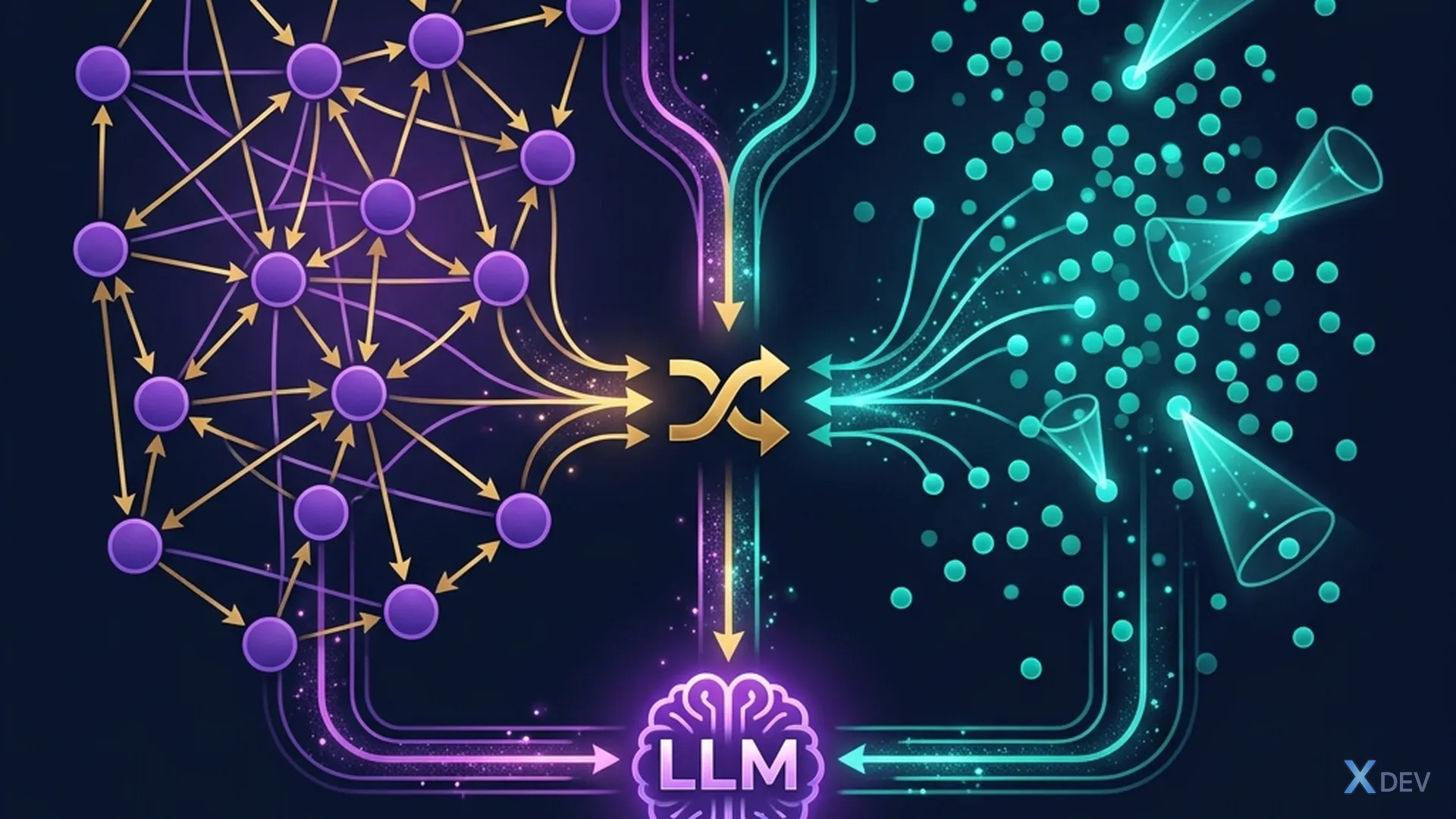
Vector search searches according to semantics — but it does not understand relationships between entities. When the question requires multi-hop inference, vector search often fails.
For example: "Who is project manager Alpha's boss?"
- Vector search finds the paragraph containing "Alpha project" → knows PM is Minh
- But I can't find "Minh's boss" because it's in another chunk, semantically unrelated
- Knowledge Graph:
Minh --[quản_lý]--> Alpha,Hùng --[quản_lý]--> Minh→ reply now!
This article covers:
- Knowledge Graph — build an entity-relationship graph from documents
- Graph RAG — combines graph + vector for multi-hop reasoning
- Microsoft GraphRAG — framework production-ready
1. Basic Knowledge Graph
1.1 Concepts
Knowledge Graph = Đồ thị gồm:
  - Nodes (entities): Người, Địa điểm, Dự án, Phòng ban...
  - Edges (relationships): quản_lý, thuộc_về, làm_việc_tại...

Ví dụ:
  [Minh] ──quản_lý──→ [Dự án Alpha]
  [Minh] ──thuộc_về──→ [Phòng IT]
  [Hùng] ──quản_lý──→ [Minh]
  [Hùng] ──thuộc_về──→ [Ban Giám đốc]
  [Dự án Alpha] ──sử_dụng──→ [Python]
  [Dự án Alpha] ──deadline──→ [2025-06-30]
1.2 Extract Knowledge Graph from text
"""Dùng LLM để trích xuất entities và relationships"""
from langchain_openai import ChatOpenAI
from langchain.prompts import ChatPromptTemplate

llm = ChatOpenAI(model="gpt-4o-mini", temperature=0)

EXTRACT_PROMPT = ChatPromptTemplate.from_messages([
    ("system", """Trích xuất entities và relationships từ đoạn văn.
Output dạng JSON:
{{
  "entities": [
    {{"name": "...", "type": "Person|Org|Project|Location|Tech"}},
  ],
  "relationships": [
    {{"source": "...", "relation": "...", "target": "..."}},
  ]
}}"""),
    ("human", "{text}"),
])

text = """Minh là Project Manager của dự án Alpha, thuộc phòng IT.
Dự án Alpha sử dụng Python và PostgreSQL, deadline 30/6/2025.
Minh báo cáo trực tiếp cho Giám đốc Hùng."""

result = (EXTRACT_PROMPT | llm).invoke({"text": text})
print(result.content)
# {
#   "entities": [
#     {"name": "Minh", "type": "Person"},
#     {"name": "Alpha", "type": "Project"},
#     {"name": "Phòng IT", "type": "Org"},
#     {"name": "Hùng", "type": "Person"},
#     {"name": "Python", "type": "Tech"},
#     {"name": "PostgreSQL", "type": "Tech"}
#   ],
#   "relationships": [
#     {"source": "Minh", "relation": "quản_lý", "target": "Alpha"},
#     {"source": "Minh", "relation": "thuộc_về", "target": "Phòng IT"},
#     {"source": "Alpha", "relation": "sử_dụng", "target": "Python"},
#     {"source": "Alpha", "relation": "sử_dụng", "target": "PostgreSQL"},
#     {"source": "Minh", "relation": "báo_cáo", "target": "Hùng"}
#   ]
# }
1.3 Save to Neo4j
"""Lưu Knowledge Graph vào Neo4j"""
from neo4j import GraphDatabase

driver = GraphDatabase.driver(
    "bolt://localhost:7687",
    auth=("neo4j", "password")
)

def create_graph(entities, relationships):
    with driver.session() as session:
        # Tạo nodes
        for entity in entities:
            session.run(
                "MERGE (n:{type} {{name: $name}})".format(type=entity["type"]),
                name=entity["name"]
            )

        # Tạo edges
        for rel in relationships:
            session.run(
                """MATCH (a {{name: $source}}), (b {{name: $target}})
                   MERGE (a)-[:{relation}]->(b)""".format(relation=rel["relation"]),
                source=rel["source"],
                target=rel["target"]
            )

# Query: "Ai quản lý dự án Alpha?"
result = session.run("""
    MATCH (person)-[:quản_lý]->(project {name: 'Alpha'})
    RETURN person.name
""")
# → "Minh"

# Multi-hop: "Sếp của người quản lý dự án Alpha?"
result = session.run("""
    MATCH (boss)-[:quản_lý]->(manager)-[:quản_lý]->(project {name: 'Alpha'})
    RETURN boss.name
""")
# → "Hùng" ← Vector search KHÔNG THỂ trả lời!
💡 Exercise 1: Extract Knowledge Graph from a piece of text (at least 10 entities). Save to Neo4j. Attempt 3 multi-hop questions.
2. Graph RAG — Combining Graph + Vector
2.1 Architecture
                    User Query
                        │
            ┌───────────┼───────────┐
            │                       │
    ┌───────┴───────┐       ┌───────┴───────┐
    │  Vector Store │       │  Knowledge    │
    │  (semantic)   │       │  Graph (Neo4j)│
    └───────┬───────┘       └───────┬───────┘
            │                       │
     Semantic chunks         Graph traversal
     (context rộng)          (quan hệ chính xác)
            │                       │
            └───────────┬───────────┘
                        │
                   Merge context
                        │
                      LLM → Answer
2.2 Implementation with LangChain + Neo4j
"""Graph RAG: kết hợp Neo4j graph + Chroma vector"""
from langchain_community.graphs import Neo4jGraph
from langchain.chains import GraphCypherQAChain
from langchain_openai import ChatOpenAI

llm = ChatOpenAI(model="gpt-4o", temperature=0)

# Neo4j graph
graph = Neo4jGraph(
    url="bolt://localhost:7687",
    username="neo4j",
    password="password",
)

# GraphCypherQAChain: LLM tự viết Cypher query
graph_chain = GraphCypherQAChain.from_llm(
    llm=llm,
    graph=graph,
    verbose=True,
)

# Query multi-hop
result = graph_chain.invoke(
    "Liệt kê tất cả tech stack mà team của Hùng sử dụng?"
)
# LLM tự generate Cypher:
# MATCH (Hùng {name:'Hùng'})-[:quản_lý]->(person)
#       -[:quản_lý]->(project)-[:sử_dụng]->(tech)
# RETURN DISTINCT tech.name
2.3 Hybrid: Graph context + Vector context
"""Kết hợp graph traversal + vector search"""
def hybrid_graph_rag(question, graph_chain, vector_retriever, llm):
    # 1. Graph context (quan hệ, facts)
    try:
        graph_context = graph_chain.invoke(question)["result"]
    except Exception:
        graph_context = "Không tìm thấy thông tin trong graph."

    # 2. Vector context (nội dung chi tiết)
    vector_docs = vector_retriever.invoke(question)
    vector_context = "\n".join([d.page_content for d in vector_docs])

    # 3. Merge và trả lời
    prompt = f"""Dựa trên thông tin sau, trả lời câu hỏi.

**Thông tin từ Knowledge Graph:**
{graph_context}

**Thông tin từ tài liệu:**
{vector_context}

**Câu hỏi:** {question}
**Trả lời:**"""

    return llm.invoke(prompt).content
3. Microsoft GraphRAG
3.1 GraphRAG Architecture
Microsoft GraphRAG automates the entire pipeline:
Documents → Entity Extraction → Community Detection → Summarization
                │                       │                    │
         Entities &              Groups of related      Summary per
         Relationships           entities (Leiden)       community
                │                       │                    │
                └───────────────────────┼────────────────────┘
                                        │
                                 Query modes:
                            Local search │ Global search
                            (specific)   │ (broad themes)
3.2 Setup Microsoft GraphRAG
# Cài đặt
pip install graphrag

# Init project
graphrag init --root ./my-rag-project

# Cấu hình settings.yaml
# - llm: model, api_key
# - embeddings: model
# - chunks: size, overlap
"""Index tài liệu"""
# graphrag index --root ./my-rag-project
# → Tự extract entities, build graph, detect communities, summarize

"""Query"""
# Local search: tìm thông tin cụ thể
# graphrag query --root ./my-rag-project --method local \
#   --query "Ai quản lý dự án Alpha?"

# Global search: tổng hợp theo chủ đề
# graphrag query --root ./my-rag-project --method global \
#   --query "Tóm tắt các dự án đang triển khai và tech stack?"
3.3 Local vs Global Search
| Mode | How it works | When to use |
|---|---|---|
| Local | Find related entities → traverse graph → context | Specific, factual questions |
| Global | Use community summaries → summarize | General question, thematic |
4. Compare GraphRAG vs Vector RAG
4.1 Benchmark
| Criteria | Vector RAG | Graph RAG | Hybrid |
|---|---|---|---|
| Single-hop queries | ⭐⭐⭐⭐ | ⭐⭐⭐ | ⭐⭐⭐⭐ |
| Multi-hop queries | ⭐⭐ | ⭐⭐⭐⭐ | ⭐⭐⭐⭐⭐ |
| Summarization | ⭐⭐ | ⭐⭐⭐⭐ | ⭐⭐⭐⭐ |
| Setup complexity | ⭐ (simple) | ⭐⭐⭐ (complex) | ⭐⭐⭐⭐ |
| Indexing costs | Low | Cao (LLM extract) | Cao |
| Query latency | Fast | Slower | Average |
4.2 When to use Graph RAG?
✅ Dùng Graph RAG khi:
  - Câu hỏi multi-hop, cần suy luận qua nhiều entities
  - Tài liệu có nhiều quan hệ phức tạp (org chart, supply chain)
  - Cần tổng hợp theo chủ đề (global search)
  - Domain có entity types rõ ràng (legal, medical, HR)

❌ KHÔNG cần Graph RAG khi:
  - Câu hỏi đơn giản, 1-hop
  - Tài liệu ít quan hệ (blog posts, FAQ)
  - Budget thấp (indexing tốn nhiều LLM calls)
  - Latency-critical (graph query chậm hơn vector)
💡 Exercise 2: Use Microsoft GraphRAG to index a document folder. Compare local search vs global search results on 5 specific questions + 5 general questions.
Summary
| Concepts | Remember |
|---|---|
| Knowledge Graph | Entity-relationship graph, good for multi-hop |
| Entity Extraction | Use LLM to extract entities + relations from text |
| Neo4j | Graph database, query using Cypher |
| GraphCypherQAChain | LLM writes his own Cypher query |
| Microsoft GraphRAG | Framework auto: extract → community → summarize |
| Local vs Global | Local = specific facts, Global = themes |
| Hybrid | Graph facts + Vector context = best results |
General exercises
- ✅ Complete 2 small exercises (1, 2)
- Full Graph Pipeline: Build your own Knowledge Graph from 10+ documents. Extract entities using LLM → save Neo4j → implement GraphCypherQAChain → test 10 multi-hop sentences.
- Hybrid System: Build a combined system: Neo4j graph + Chroma vector. The router automatically selects the data source according to the type of question. Compare accuracy with pure vector RAG.
- Visualization: Export graph from Neo4j → visualize using NetworkX or Neo4j Browser. Screenshot 1 subgraph has at least 20 nodes.
Next article: Multimodal RAG — handles images, tables, charts in documents — RAG is not just for text.