Introduction
In this lesson you'll set up a working local stack:
- Ollama as the model runtime
- Gemma 4 as the primary model
- Open WebUI as the chat interface for the whole team
1. Installing Ollama
brew install ollama
brew services start ollama
curl http://127.0.0.1:11434/api/tags
If the endpoint returns JSON, the runtime is ready.
2. Pulling the Gemma 4 Model
ollama pull gemma4
ollama run gemma4
For machines with lower RAM, prefer a quantized variant to avoid swap pressure.
3. Running Open WebUI
docker run -d \
  --name open-webui \
  -p 3000:8080 \
  -e OLLAMA_BASE_URL=http://host.docker.internal:11434 \
  -v open-webui:/app/backend/data \
  --restart unless-stopped \
  ghcr.io/open-webui/open-webui:main
Navigate to http://localhost:3000 and create the first admin account.
4. Standardizing Model Presets
Create presets by use case:
- Coding: low temperature, moderately high context
- Summarization: medium temperature, short format
- Extraction: low temperature, fixed JSON output
Keep presets in internal documentation so new team members use the correct defaults.
5. Monitoring Resources on Mac
Track 3 things:
- Memory pressure
- Swap usage
- Actual tokens/second
When swap spikes, reduce num_ctx or model size before attempting deeper optimization.
6. Quick Troubleshooting
- Docker can't reach Ollama: use
host.docker.internal. - Model gradually slows down: check swap and background apps.
- UI doesn't show the model: check
ollama listandOLLAMA_BASE_URL.
Exercises
- Install the full stack and capture a diagram of endpoints.
- Create 3 model presets for 3 different use cases.
- Compare speed with the same long prompt run twice in succession.
Demo Code
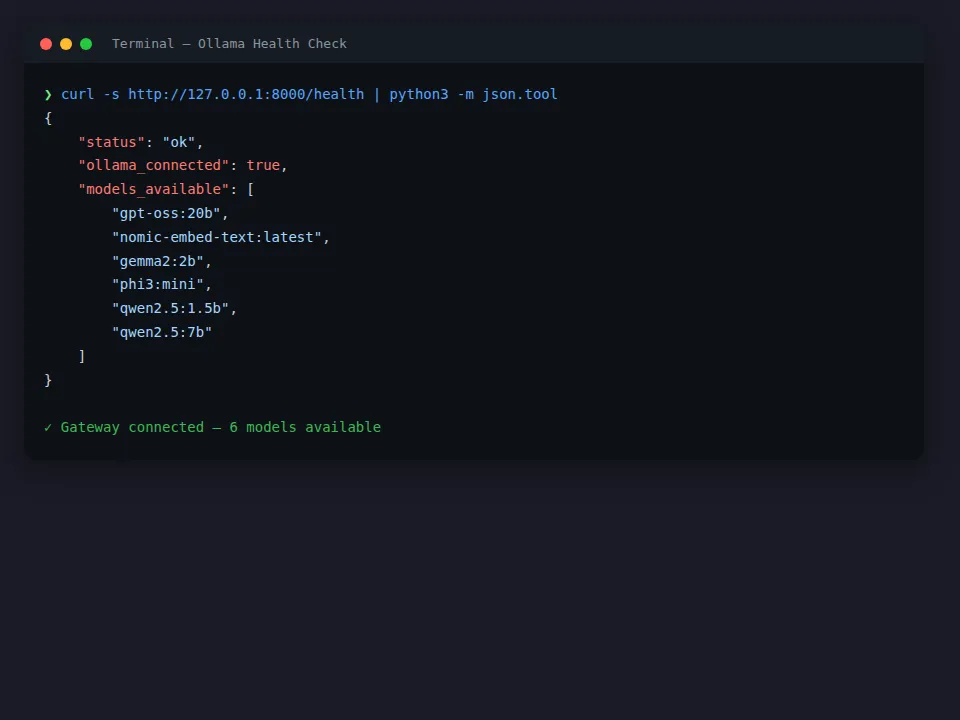
After installation, verify the health check endpoint:
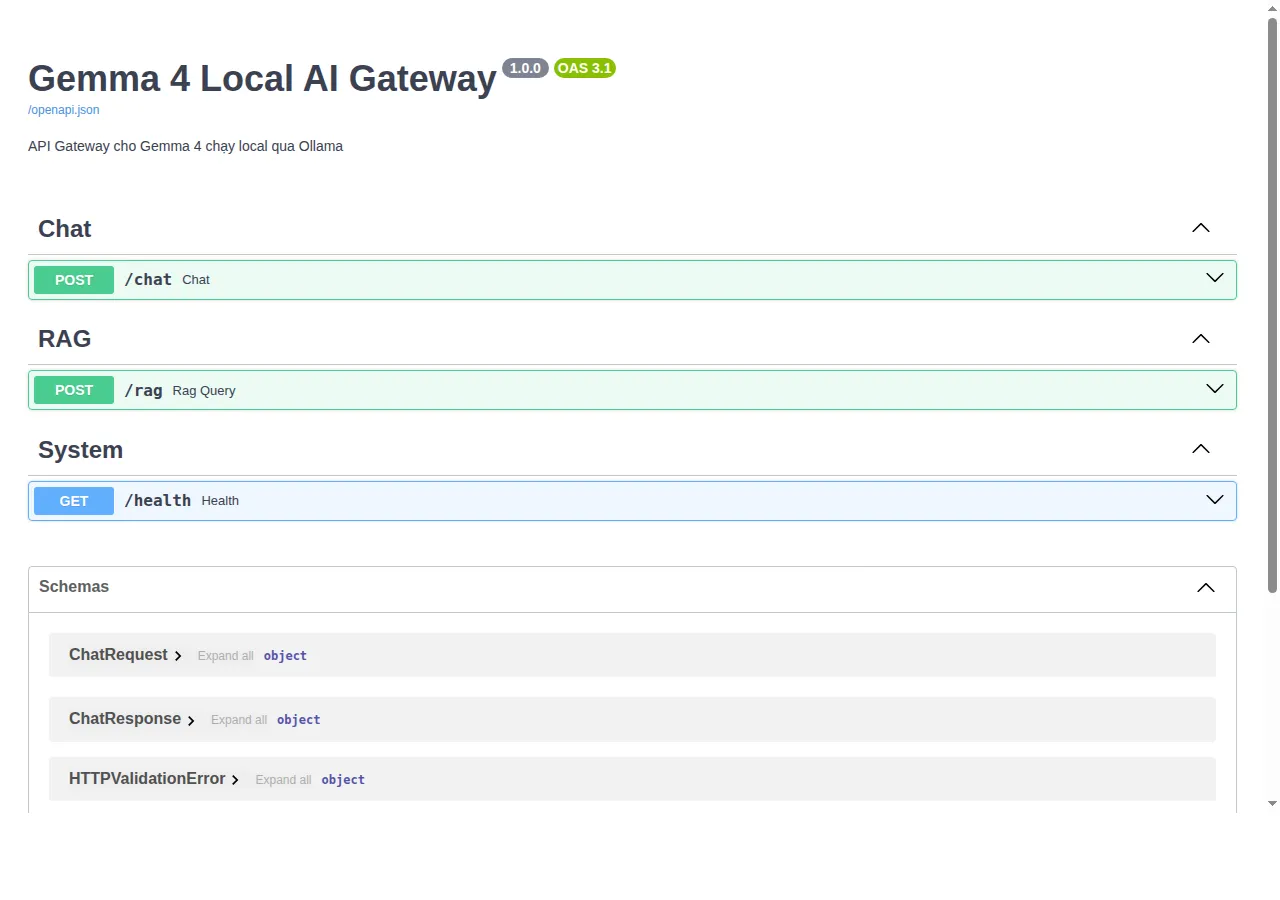
Swagger UI auto-generates API documentation:
Source code: xdev-asia-labs/gemma-4-local-ai-engineering-on-mac