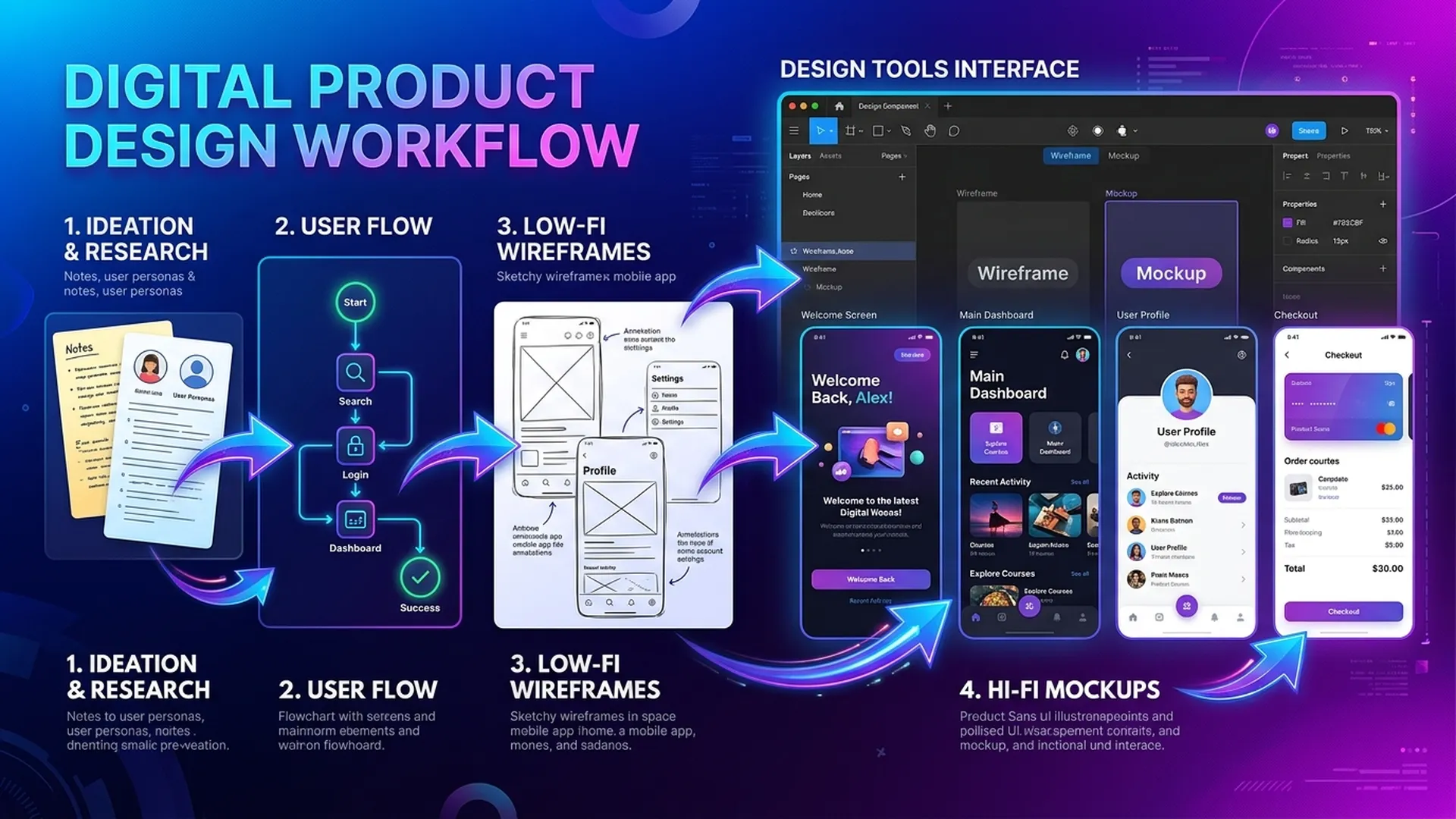
BA use Figma and Draw.io not to compete with designers, but to communicate more clearly. An honest wireframe drawn in 30 minutes is more valuable than 3 pages of text description.
1. Figma for BA: Sufficient Lo-fi Wireframes
1.1 Principles of Lo-fi BA Wireframes
BA do not need high fidelity. A lo-fi wireframe only needs to:
- Define element placement (no color needed)
- Clearly label each element and its action
- Annotate data source (AI or manual?) for each field
1.2 Components Required for AI Features
AI Output Display Component:
┌─────────────────────────────────────┐
│  Classification result: [LABEL]     │
│  Confidence: ████████░░ 82%         │
│                                     │
│  ⚠️ Below auto threshold (90%)      │
│  [Confirm]  [Edit]  [Reject]        │
└─────────────────────────────────────┘
Required annotations:
[LABEL]-> text from AI API response field:result.label- Confidence bar -> computed:
result.confidence * 100 - Warning threshold -> from config:
AI_AUTO_APPROVE_THRESHOLD = 0.9 - Buttons shown only when
confidence < threshold
1.3 Figma Template Structure for BA
📁 [Project] — BA Workspace
├── 🗂 Page: User Flows
│   ├── Frame: Happy Path Flow
│   └── Frame: Fallback Path Flow
├── 🗂 Page: Wireframes
│   ├── Frame: [Screen 1 Name]
│   ├── Frame: [Screen 1 — Error State]
│   └── Frame: [Screen 1 — Loading State]
└── 🗂 Page: Annotations
    └── Frame: Component Spec Sheet
Frame naming rule: [ScreenID]-[Name]-[State]
Example: S03-ClaimReview-AILowConfidence
2. Draw.io for Flow Diagrams
2.1 When to Use Draw.io Instead of Figma
| Diagram type | Best tool |
|---|---|
| Wireframe, UI mockup | Figma |
| BPMN flow, sequence diagram | Draw.io |
| Architecture diagram | Draw.io |
| User journey map | Both are acceptable |
2.2 AI Flow Pattern in Draw.io
Basic pattern: AI with Confidence Gate
[User Action]
    ↓
[AI Processing] ──→ [Confidence Score]
    ↓
[Gateway: score ≥ threshold?]
├── YES → [Auto Action] → [Log + Notify]
└── NO  → [Queue for Human Review]
              ↓
         [Agent Review UI]
              ↓
         [Approve / Reject / Edit]
              ↓
         [Update + Log + Feedback to Model]
Symbols to use in Draw.io:
- Rounded rectangle -> AI Service/Task
- Diamond (X-gateway) -> Decision by score/threshold
- Double circle (Event) -> Timer, error, escalation trigger
- Cylinder -> Data store/database
- Person icon -> Human task (in Human lane)
2.3 Multi-lane Pattern for HITL
┌────────── System Lane ──────────────────────┐
│ [Receive Request] → [AI Classify] → [Score] │
└─────────────────────────────────────────────┘
                              ↓
                    [Confidence ≥ 0.85?]
                    ┌─────────┴─────────┐
                   YES                 NO
                    ↓                   ↓
┌── Auto Lane ───┐  ┌──── Agent Lane ──────────┐
│ [Auto Approve] │  │ [Review Queue] → [Decision] │
│ [Log + Close]  │  │ [Override + Comment]        │
└────────────────┘  └────────────────────────────┘
3. Annotation Best Practices for AI Features
Wireframe without annotation = half of the requirement missing. BA should annotate:
| Element | Required Annotation |
|---|---|
| Loading state | "Timeout after X seconds -> show error state Y" |
| AI result display | "Source: POST /api/classify -> field: result.category" |
| Confidence bar | "Scale: 0-100%, warning threshold: < 85%" |
| Override button | "Log override to audit_log with user_id + timestamp + reason" |
| Error state | "HTTP 5xx -> text: 'System is processing, please try again'" |
4. BA-Designer-Dev Workflow with Figma
BA:        Create lo-fi wireframes + annotations in Figma
    ↓
Designer:  Add visual design (color, font) — DO NOT change flow/annotations
    ↓
BA Review: Verify annotations remain correct after layout changes
    ↓
Dev:       Build from Figma + annotations (BA is first contact for unclear logic)
Common mistake: BA hands off wireframes and does not review after design updates -> annotations become missing or incorrect.
Conclusion
Figma and Draw.io are not just designer or architect tools. They are the shared language between BA and stakeholders. BA who create clear lo-fi wireframes and flow diagrams reduce clarification questions by 40-60% during sprints.
Prioritize complete annotations over visual polish.