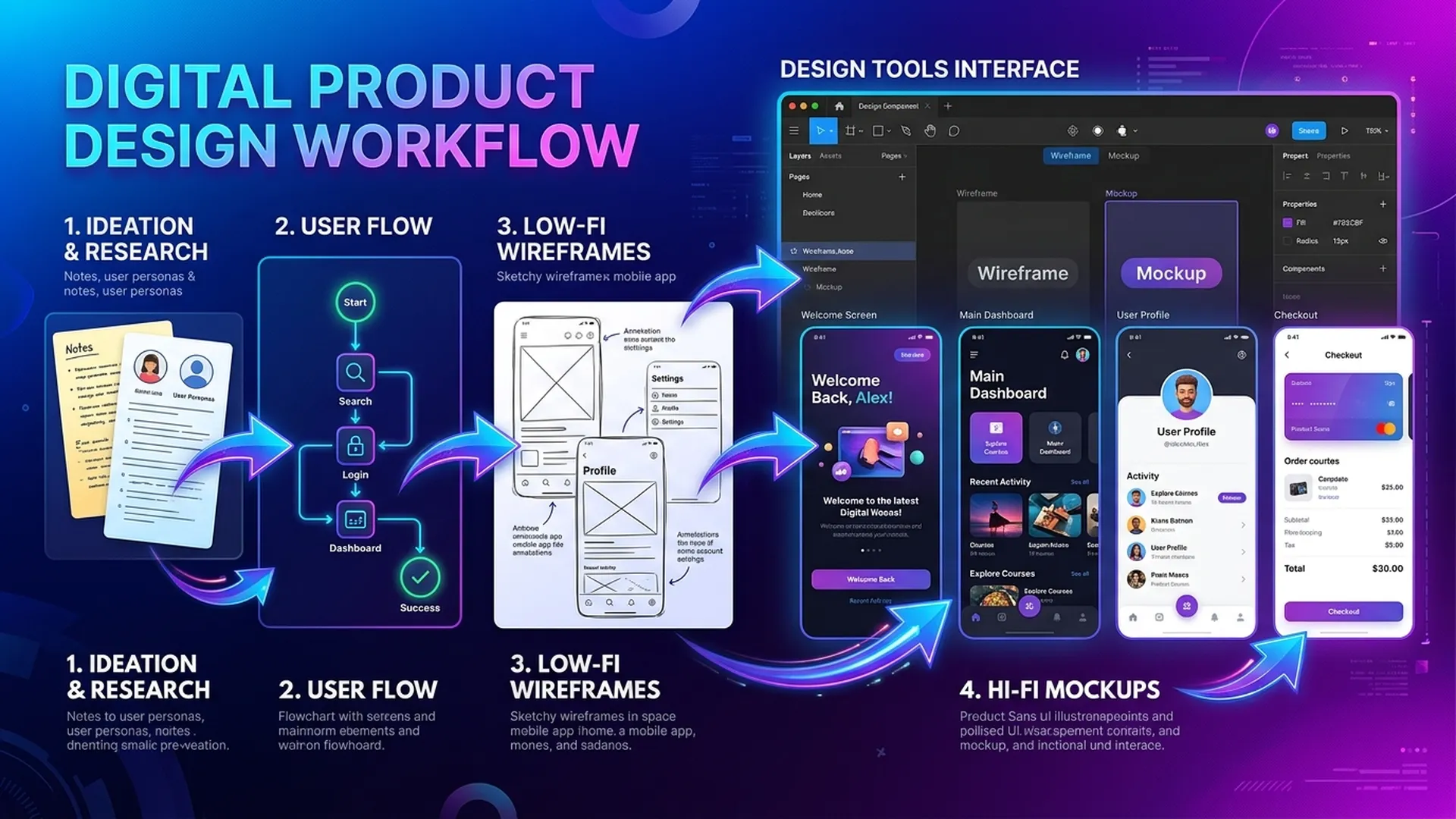
BA dùng Figma và Draw.io không để cạnh tranh với designer — mà để communicate rõ hơn. Một wireframe trung thực vẽ trong 30 phút có giá trị hơn 3 trang mô tả text.
1. Figma cho BA: Lo-fi Wireframe đủ dùng
1.1 Nguyên tắc Lo-fi BA Wireframe
BA không cần high-fidelity. Lo-fi wireframe chỉ cần:
- Xác định vị trí các element (không cần màu sắc)
- Ghi rõ label và action của từng element
- Annotate data source (AI hay manual?) cho mỗi field
1.2 Component cần có khi vẽ AI Feature
AI Output Display Component:
┌─────────────────────────────────────┐
│  Kết quả phân loại: [LABEL]         │
│  Độ tin cậy: ████████░░ 82%         │
│                                     │
│  ⚠️ Dưới ngưỡng tự động (90%)       │
│  [Xác nhận]  [Chỉnh sửa]  [Từ chối]│
└─────────────────────────────────────┘
Annotations cần có:
[LABEL]— text từ AI API response field:result.label- Confidence bar — computed:
result.confidence * 100 - Warning threshold — từ config:
AI_AUTO_APPROVE_THRESHOLD = 0.9 - Buttons chỉ hiển thị khi
confidence < threshold
1.3 Figma Template Structure cho BA
📁 [Project] — BA Workspace
├── 🗂 Page: User Flows
│   ├── Frame: Happy Path Flow
│   └── Frame: Fallback Path Flow
├── 🗂 Page: Wireframes
│   ├── Frame: [Screen 1 Name]
│   ├── Frame: [Screen 1 — Error State]
│   └── Frame: [Screen 1 — Loading State]
└── 🗂 Page: Annotations
    └── Frame: Component Spec Sheet
Quy tắc frame naming: [ScreenID]-[Tên]-[State]
Ví dụ: S03-ClaimReview-AILowConfidence
2. Draw.io cho Flow Diagram
2.1 Khi nào dùng Draw.io thay Figma?
| Loại diagram | Công cụ phù hợp |
|---|---|
| Wireframe, UI mockup | Figma |
| BPMN flow, sequence diagram | Draw.io |
| Architecture diagram | Draw.io |
| User journey map | Cả hai đều được |
2.2 AI Flow Pattern trong Draw.io
Pattern cơ bản: AI với Confidence Gate
[User Action]
    ↓
[AI Processing] ──→ [Confidence Score]
    ↓
[Gateway: score ≥ threshold?]
├── YES → [Auto Action] → [Log + Notify]
└── NO  → [Queue for Human Review]
              ↓
         [Agent Review UI]
              ↓
         [Approve / Reject / Edit]
              ↓
         [Update + Log + Feedback to Model]
Ký hiệu cần nhớ trong Draw.io:
- Rectangle bo góc — AI Service/Task
- Diamond (X-gateway) — Decision based on score/threshold
- Circle đôi (Event) — Timer, error, escalation trigger
- Cylinder — Data store / database
- Person icon — Human task (trong Human lane)
2.3 Multi-lane Pattern cho HITL
┌────────── System Lane ──────────────────────┐
│  [Receive Request] → [AI Classify] → [Score]│
└─────────────────────────────────────────────┘
                              ↓
                    [Confidence ≥ 0.85?]
                    ┌─────────┴─────────┐
                   YES                 NO
                    ↓                   ↓
┌── Auto Lane ──┐   ┌──── Agent Lane ────────┐
│ [Auto Approve]│   │ [Review Queue] → [Decision]│
│ [Log + Close] │   │ [Override + Comment]       │
└───────────────┘   └───────────────────────────┘
3. Annotation Best Practices cho AI Feature
Wireframe không có annotation = thiếu một nửa requirement. BA cần annotate:
| Element | Annotation cần có |
|---|---|
| Loading state | "Timeout sau X giây → hiện error state Y" |
| AI result display | "Source: POST /api/classify → field: result.category" |
| Confidence bar | "Scale: 0-100%, ngưỡng warning: < 85%" |
| Override button | "Log override vào audit_log với user_id + timestamp + reason" |
| Error state | "HTTP 5xx → text: 'Hệ thống đang xử lý, vui lòng thử lại'" |
4. Workflow BA-Designer-Dev với Figma
BA:        Tạo lo-fi wireframe + annotation trong Figma
    ↓
Designer:  Thêm visual design (màu, font) — KHÔNG thay đổi flow/annotation
    ↓
BA Review: Verify annotation còn đúng sau khi designer thay đổi layout
    ↓
Dev:       Build dựa trên Figma + annotation (BA là first point of contact khi unclear)
Lỗi phổ biến: BA hand-off wireframe rồi không review sau designer → annotation bị mất hoặc sai.
Kết luận
Figma và Draw.io không phải tool của designer hay architect — chúng là ngôn ngữ chung của BA với mọi stakeholder. BA vẽ wireframe lo-fi và flow diagram rõ ràng = giảm 40-60% câu hỏi clarification trong sprint.
Ưu tiên annotation đầy đủ hơn đẹp về mặt thẩm mỹ.