
OMOP ETL is the hardest, most time-consuming part of the project. The good news: the OHDSI community has standardized the workflow and the tooling. This article walks through it, from source profiling to production deployment.
1. The OHDSI standard workflow
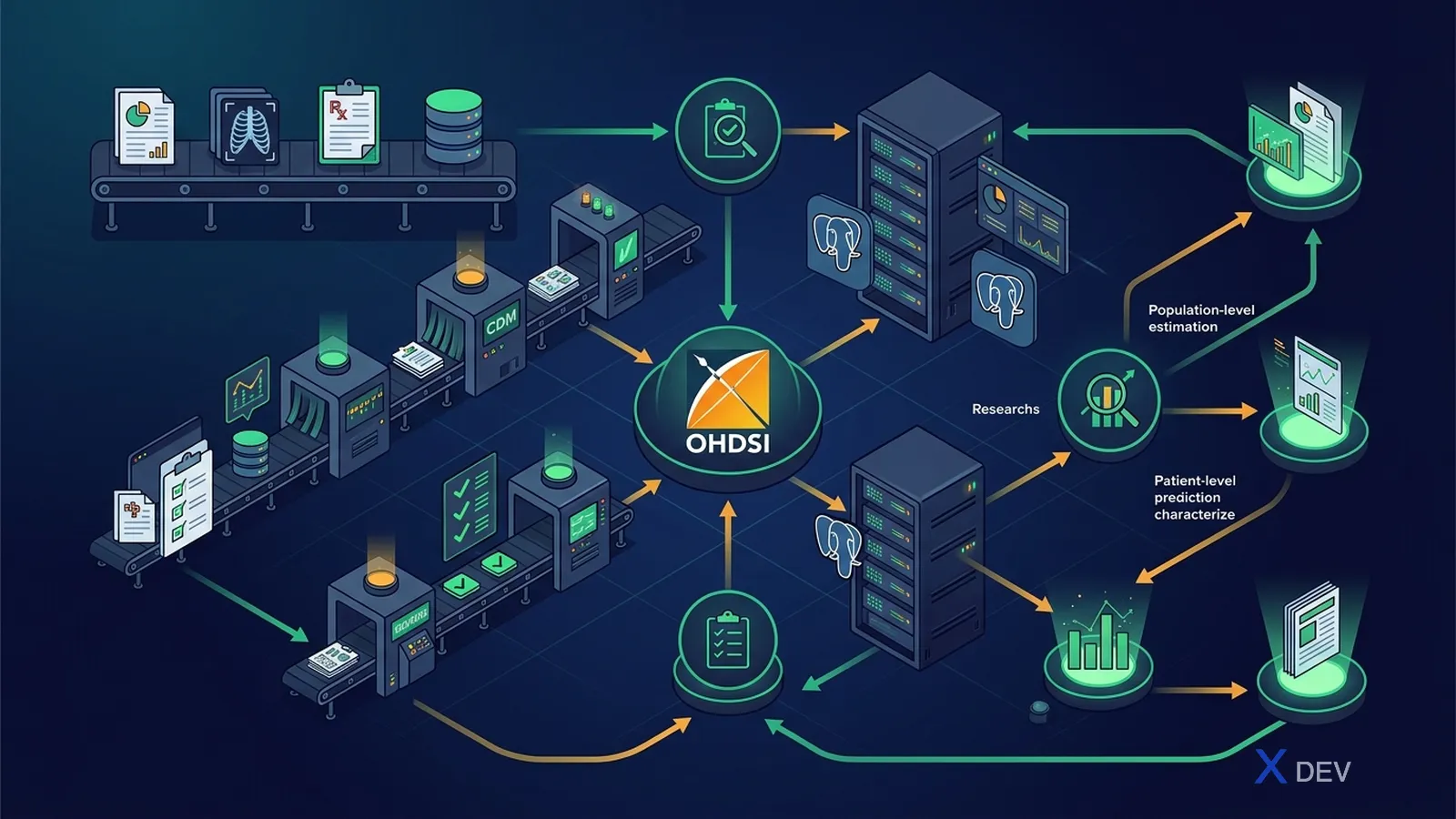
Seven standard steps:
- Profile the source with WhiteRabbit
- Design table-level mapping with RabbitInAHat
- Map codes (vocabulary) with USAGI
- Write the ETL spec document
- Implement the ETL with SQL / dbt / Perseus
- Validate with DQD + ACHILLES
- Deploy + schedule incremental runs
2. WhiteRabbit — source profiling
WhiteRabbit is a Java tool that scans a source database (Postgres, Oracle, SQL Server, MySQL, ...) and produces an HTML report covering:
- Table list with row counts
- For each column: data type, # distinct values, top 100 value frequencies, % NULL
- A CSV/Excel report per table
# Install
wget https://github.com/OHDSI/WhiteRabbit/releases/download/v0.10.x/WhiteRabbit_v0.10.x.zip
unzip WhiteRabbit_v0.10.x.zip
cd WhiteRabbit
./bin/whiteRabbit.sh
GUI:
- Source: PostgreSQL, server, user, password, schema
- Working folder: where the report is written
- Tables to scan: pick all or a subset
- "Scan tables" → produces
ScanReport.xlsxin a few minutes
2.1 Reading the Scan Report
Each tab in the xlsx is one source table. Columns:
Field= column nameType= data typeN rows= row countDistinct values= unique countFrequency= top values + count
Warning signs:
- An "ICD code" column where 80% of values are unique free text → problem
- A date column where 30% of values are
1900-01-01→ default fill, treat as null - A
gendercolumn with "M/F" plus 2% "U" → needs handling
2.2 Best practices
- Scan ALL tables even if you only ETL a subset (so you understand the whole picture)
- Commit the Scan Report to Git (anonymized) — this is the key reference document
- Re-scan every quarter, because source data changes
3. RabbitInAHat — design the mapping
A drag-and-drop tool to draw source-table → CDM-table mappings.
./bin/rabbitInAHat.sh
Workflow:
- File → Open Scan Report (the xlsx you just generated)
- File → Open CDM (pick version 5.4)
- Drag from a source table to a CDM table → a visual line
- Click the line → write a description (why this mapping, what transform)
- Drag column-level connections from source → CDM
- File → Generate ETL Document → produces a Word/Markdown file
3.1 Example mapping (Vietnamese HIS → OMOP)
| Source HIS | OMOP CDM | Note |
|---|---|---|
bn_dangky.id_bn | PERSON.person_id | Pseudonymize CCCD national ID |
bn_dangky.gioi_tinh (gender) | PERSON.gender_concept_id | M=8507, F=8532 |
bn_dangky.ngay_sinh (date of birth) | PERSON.year_of_birth + birth_datetime | |
kham_benh.ma_kham (visit code) | VISIT_OCCURRENCE.visit_occurrence_id | |
kham_benh.loai_kham (visit type) | VISIT_OCCURRENCE.visit_concept_id | Inpatient=9201, Outpatient=9202, ER=9203 |
chan_doan.icd10 (diagnosis) | CONDITION_OCCURRENCE.condition_concept_id (via SNOMED map) | + condition_source_value="E11.9" |
don_thuoc.ma_thuoc_byt (MoH drug code) | DRUG_EXPOSURE.drug_concept_id (via RxNorm map through USAGI) | |
xet_nghiem.ma_xn (lab test code) | MEASUREMENT.measurement_concept_id (LOINC) | value_as_number, unit_concept_id |
3.2 The ETL spec is a living document
OHDSI standard format:
- One section per CDM table
- Mapping table (source column → CDM column, transform rule)
- Edge cases (NULL values, defaults, lookups)
- Concept mapping reference (link to USAGI session)
Commit it to Git, version it with each data refresh.
4. USAGI — code mapping
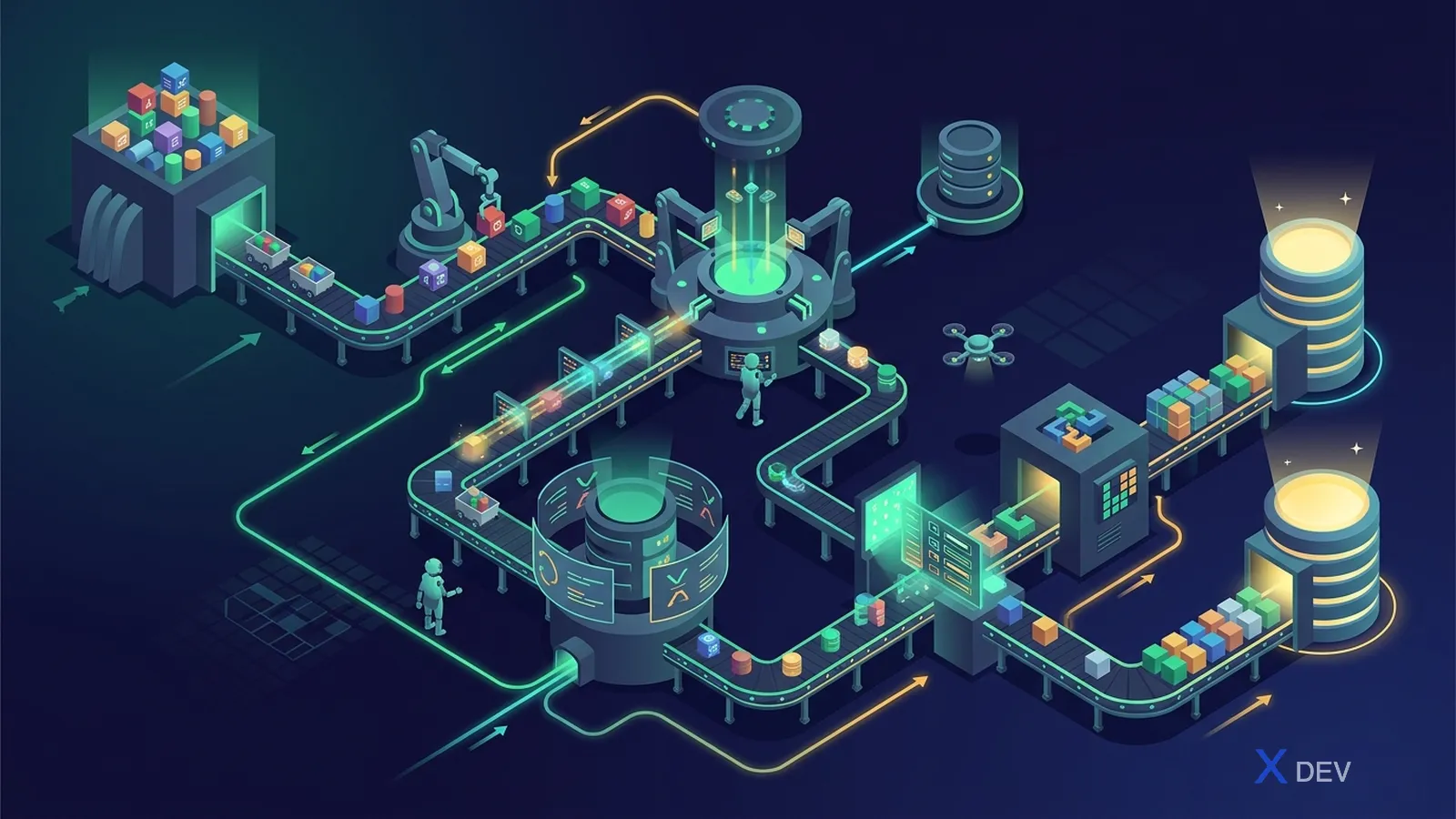
Already introduced in the Vocabulary deep dive. A reminder of the workflow:
4.1 Best practices
- Map by frequency: top 100 ICD-10 codes = 80% of volume → prioritize
- Use two independent reviewers + reconciliation for critical codes
- Commit the output CSV to Git
- For custom concepts (e.g. "stage 1 hypertension per ESC 2018") → assign IDs in the 2-billion+ range
4.2 From the output file → SOURCE_TO_CONCEPT_MAP
INSERT INTO source_to_concept_map (
  source_code, source_concept_id, source_vocabulary_id,
  source_code_description, target_concept_id, target_vocabulary_id,
  valid_start_date, valid_end_date, invalid_reason
)
SELECT
  source_code, 0, 'ICD10VN',
  source_name, target_concept_id, 'SNOMED',
  '2026-01-01', '2099-12-31', NULL
FROM external_usagi_export;
5. Implementation: the SQL approach
Principle: ETL must be idempotent and safe to re-run.
-- Step 1: Truncate or partition swap
TRUNCATE TABLE cdm.person;

-- Step 2: Insert from source (via FDW or staging)
INSERT INTO cdm.person (
  person_id, gender_concept_id, year_of_birth, race_concept_id,
  ethnicity_concept_id, person_source_value, gender_source_value
)
SELECT
  ROW_NUMBER() OVER (ORDER BY src.id_bn) AS person_id,
  CASE src.gioi_tinh
    WHEN 'M' THEN 8507
    WHEN 'F' THEN 8532
    ELSE 0
  END,
  EXTRACT(YEAR FROM src.ngay_sinh)::INT,
  0,  -- race unknown (or custom Vietnamese concept)
  0,
  -- pseudonymize CCCD national ID
  encode(hmac(src.cccd::bytea, 'secret-key'::bytea, 'sha256'), 'hex'),
  src.gioi_tinh
FROM staging.bn_dangky src;

-- Step 3: Build PERSON_MAP for lookups in other tables
CREATE TABLE cdm.person_map AS
SELECT id_bn AS source_id, person_id
FROM cdm.person
JOIN staging.bn_dangky USING (...);
5.1 Standard-concept lookup pattern
INSERT INTO cdm.condition_occurrence (
  condition_occurrence_id, person_id, condition_concept_id,
  condition_start_date, condition_type_concept_id,
  condition_source_value, condition_source_concept_id, visit_occurrence_id
)
SELECT
  ROW_NUMBER() OVER () AS condition_occurrence_id,
  pm.person_id,
  COALESCE(cr.target_concept_id, 0) AS condition_concept_id,
  src.ngay_chan_doan,
  32020 AS condition_type_concept_id,
  src.icd10 AS condition_source_value,
  src_concept.concept_id AS condition_source_concept_id,
  vm.visit_occurrence_id
FROM staging.chan_doan src
JOIN cdm.person_map pm ON src.id_bn = pm.source_id
JOIN cdm.visit_map vm ON src.ma_kham = vm.source_id
LEFT JOIN concept src_concept
  ON src_concept.vocabulary_id = 'ICD10CM'
  AND src_concept.concept_code = src.icd10
LEFT JOIN concept_relationship cr
  ON cr.concept_id_1 = src_concept.concept_id
  AND cr.relationship_id = 'Maps to'
LEFT JOIN concept tgt
  ON cr.concept_id_2 = tgt.concept_id
  AND tgt.standard_concept = 'S';
6. Implementation: the dbt approach (modern)
dbt = SQL + Jinja + version control + tests. The popular 2026 pattern:
dbt_project/
├── models/
│   ├── staging/
│   │   ├── stg_bn_dangky.sql
│   │   ├── stg_kham_benh.sql
│   │   └── stg_chan_doan.sql
│   ├── intermediate/
│   │   ├── int_person_map.sql
│   │   └── int_visit_map.sql
│   └── cdm/
│       ├── person.sql
│       ├── visit_occurrence.sql
│       ├── condition_occurrence.sql
│       └── ...
├── tests/
│   └── cdm_constraints.sql
└── dbt_project.yml
6.1 Example dbt model
-- models/cdm/condition_occurrence.sql
{{ config(materialized='table') }}

WITH source AS (
  SELECT * FROM {{ ref('stg_chan_doan') }}
),
mapping AS (
  SELECT * FROM {{ ref('int_icd10_to_snomed') }}
),
person_map AS (
  SELECT * FROM {{ ref('int_person_map') }}
)
SELECT
  ROW_NUMBER() OVER () AS condition_occurrence_id,
  pm.person_id,
  COALESCE(m.target_concept_id, 0) AS condition_concept_id,
  s.ngay_chan_doan AS condition_start_date,
  32020 AS condition_type_concept_id,
  s.icd10 AS condition_source_value
FROM source s
JOIN person_map pm ON s.id_bn = pm.source_id
LEFT JOIN mapping m ON s.icd10 = m.source_code
6.2 dbt tests
# models/cdm/schema.yml
version: 2
models:
  - name: condition_occurrence
    columns:
      - name: condition_occurrence_id
        tests: [unique, not_null]
      - name: person_id
        tests:
          - not_null
          - relationships:
              to: ref('person')
              field: person_id
      - name: condition_concept_id
        tests:
          - not_null
          - dbt_utils.accepted_range:
              min_value: 0
7. Perseus — the modern OHDSI ETL tool
Perseus is a web tool (OHDSI EHDEN community) that is gradually replacing RabbitInAHat:
- Modern drag-and-drop UI
- Generates dbt/SQL code
- Stores mappings in a collaborative DB
- Integrates USAGI and DQD
- Deploys easily via Docker Compose
git clone https://github.com/OHDSI/Perseus
cd Perseus
docker compose up
# Access at localhost:80
8. Incremental ETL
For large HIS datasets, you cannot re-ETL the entire warehouse every night. The incremental pattern:

Watch out for:
- Track
updated_atin the source — if missing, add a trigger or CDC (Debezium) - Drug_Era / Condition_Era must be recomputed for changed persons
- Snapshot the vocabulary version used at ETL time (concept_id is stable but
Maps tocan change)
9. Validating the ETL
Three layers:
- dbt tests (relationships, unique, not_null) — run on every ETL
- Data Quality Dashboard — 3,000+ automated rules, run weekly
- ACHILLES — descriptive reports for histograms
See the ATLAS, Data Quality Dashboard, and ACHILLES article for details.
10. Performance tips
| Problem | Solution |
|---|---|
| Slow ETL | Bulk COPY instead of INSERT, parallel partition by person_id range |
| Slow vocabulary lookup | Materialize a source_to_standard lookup table |
| Concept_ancestor queries trigger full scans | Materialize "diabetes_descendant_set" for popular cohorts |
| Recomputing Drug_Era is slow | Compute incrementally for changed persons only |
| Large data (10M+ persons) | Partition CDM by year or person_id range |
11. CI/CD pattern
# .github/workflows/etl.yml
name: OMOP ETL Daily
on:
  schedule:
    - cron: '0 2 * * *'  # 2 AM UTC = 9 AM Vietnam time
jobs:
  etl:
    runs-on: self-hosted  # in-network access to source DB
    steps:
      - uses: actions/checkout@v4
      - run: dbt deps
      - run: dbt seed
      - run: dbt run --target prod
      - run: dbt test --target prod
      - name: Run DQD
        run: Rscript scripts/run_dqd.R
      - name: Notify Slack
        if: failure()
        uses: ...
12. Documents to keep
- ETL Specification (Markdown in Git)
- Scan Report (xlsx, anonymized)
- USAGI session files
- SOURCE_TO_CONCEPT_MAP
- DQD report from each run
- ACHILLES history
- Vocabulary version log
13. Anti-patterns
- ❌ Ad-hoc Python/Pandas ETL with no spec → not reproducible
- ❌ Hardcoding mappings in code → painful when the MoH catalogue changes
- ❌ Not validating plausibility → DQD fails when the dataset grows
- ❌ Forgetting incremental ETL → 8 hours every night reprocessing unchanged data
- ❌ Not snapshotting the vocabulary → cannot reproduce analytics from 6 months ago
- ❌ Mapping codes 1-to-1 without considering hierarchy → loses context
Conclusion
OMOP ETL is a project, not a task. Investing in the right workflow (WhiteRabbit → RabbitInAHat → USAGI → dbt + DQD) saves months over going freestyle. Most importantly: document every mapping decision.
Next article: ATLAS, Data Quality Dashboard, and ACHILLES — running OMOP analytics.